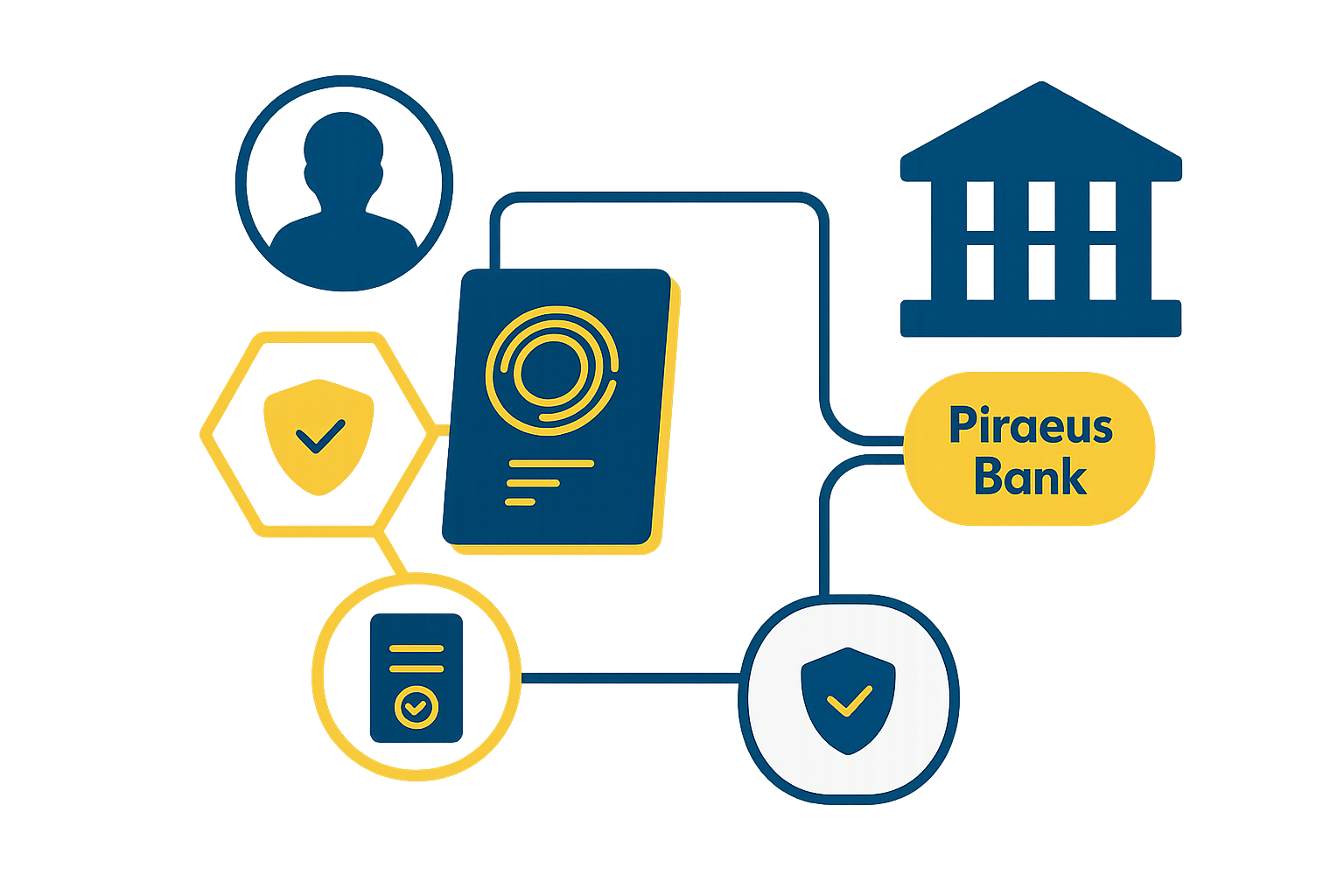
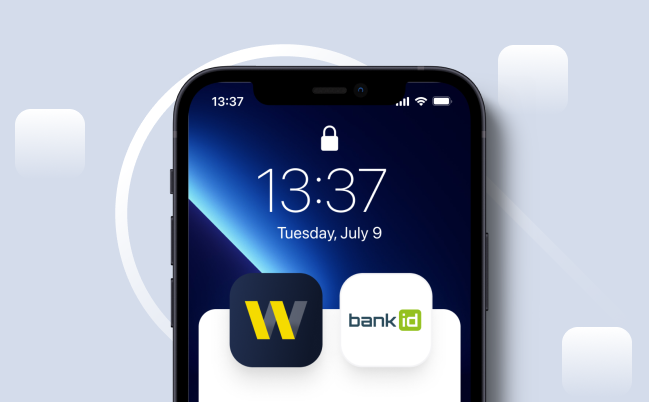
The BankID System of the National Bank of Ukraine is a state electronic identification system that allows you to remotely confirm your identity using data already available in your Bank.

Thanks to the BankID NBU System, you can quickly and securely access government, administrative, financial, and other online services without the need to visit institutions in person.

When using the BankID NBU System, the Bank, as an identification provider, transfers a defined amount of your data to the service provider only after you have completed multi-factor authentication and provided consent for such data transfer.

bankid
open-banking-icon1
Fast online identification Identity verification takes only a few minutes without visiting an institution.
open-banking-icon2
24/7 convenience Access to services anytime and from anywhere.
open-banking-icon3
High level of security Data is transmitted in a secure form and is not stored in third-party systems.
Who can use the BankID NBU System via the Bank?

The service is available to Bank customers who are individuals and who:
•    have an active account with the Bank; 
•    have valid contractual relations with the Bank; 
•    have access to the Winbank mobile application; 
•    have undergone identification and verification in accordance with the legislation of Ukraine; 
•    have up-to-date and confirmed identification data in the Bank. 

open-banking-logo3
How to use BankID NBU?

To receive services via the BankID NBU System:
1.    On the service provider’s website or application, select the login method “Via BankID NBU”. 
2.    Select Piraeus Bank from the list of identification banks. 
3.    Complete multi-factor authentication in the Winbank mobile application. 
4.    Review the list of data requested by the service provider. 
5.    Provide consent for data transfer. 
6.    After successful verification, the data is transferred to the service provider for your electronic identification. 

usebankid
What data may be transferred?

The following data may be transferred to the service provider as part of an electronic identification request and if available in the Bank’s records:
•    last name, first name, patronymic; 
•    date of birth; 
•    taxpayer identification number (if available); 
•    passport data; 
•    email address; 
•    phone number; 
•    other data in accordance with legal requirements and the rules of the BankID NBU System. 
The final list of data to be transferred is determined individually by the service provider.
Data is transferred solely with your consent and using information security protection measures.


open-banking-how
Limitations and cases of service suspension

The Bank may suspend the electronic identification service via the BankID NBU System in the following cases:
•    loss of relevance or accuracy of your identification data; 
•    expiration or invalidation of an identity document; 
•    failure to update data within the time limits established by law or the Bank; 
•    customer request to suspend the service; 
•    change of the financial phone number used for multi-factor authentication; 
•    other cases provided by Ukrainian legislation, NBU regulations, and the rules of the BankID NBU System. 
The service is restored after the reasons for suspension are eliminated and provided that the customer’s data is up to date.

bankid
Detailed Information
Standards and Requirements

The Open Banking platform of Piraeus Bank ICB JSC complies with international standards and regulatory requirements, including:

Berlin Group NextGenPSD2 as the primary standard for API implementation and interaction with TPPs
Requirements of the National Bank of Ukraine regarding account access, consent management, and onboarding of third-party payment service providers
Information security requirements, ensuring data protection, access control, and secure authentication

How to Contact the Bank

For matters related to Open Banking operations, customers may contact the Bank through:

  • The Bank's Contact Center (24/7, after successful authentication):
    • For calls from abroad: +380 44 495 88 90
    • Toll-free within Ukraine: 0 800 30 88 80
  • Winbank mobile application (Viber/Telegram chat support) – available until 18:00
  • Email: info@piraeusbank.ua
  • Bank branches
  • Feedback form available on the Bank's website
  • Written correspondence sent to the Bank's registered address:
    11 Biloruska Street, Kyiv, 04119, Ukraine

Procedure for Unauthorized, Incorrect, or Improper Transactions

If unauthorized, incorrect, or improper payment transactions initiated through a Third-Party Payment Service Provider (TPP) within the Open Banking framework are identified, Piraeus Bank ICB JSC will investigate such transactions in accordance with its internal procedures and the requirements of Ukrainian legislation.
Where the customer is not at fault, the Bank will refund the funds related to such transactions.
For investigation purposes, the Bank may cooperate with the relevant TPP, including requesting necessary information and supporting documents. If the TPP is found responsible, the Bank reserves the right to seek reimbursement of incurred losses from the respective provider.
 

For Partners and Developers (TPPs)

Technical integration with the services of Piraeus Bank ICB JSC within the Open Banking framework is performed through the Bank's Open APIs implemented via the technology operator Ukrainian Processing Center (UPC).
UPC Technology Operator Provides:

Implementation and maintenance of dedicated APIs
Routing and processing of requests between the Bank and TPPs
Sandbox environment
Developer portal and technical documentation
Support for integration of third-party payment service providers

Troubleshooting

26. What if I unpair my Apple Watch from my iPhone?

If you unpair your Apple Watch from your iPhone, all your Apple Pay information will be wiped from your Apple Watch. To use Apple Pay on your Apple Watch again, you’ll need to re-add your card information using the same process as when you first set it up.

27. What happens when I replace or update my device?

If you replace or update your device, you’ll need to add your card(s) again to the Wallet app using the same Apple Pay set up process as you did before.

Be sure to remove your card(s) from Apple Pay before you dispose of your device.